Zylo Code — describe it, watch it build.
You describe what you want; an Architect agent plans it, writes real files into a virtual file system, renders the result live, runs checks, pushes to GitHub and deploys — all in the browser, with no local toolchain.
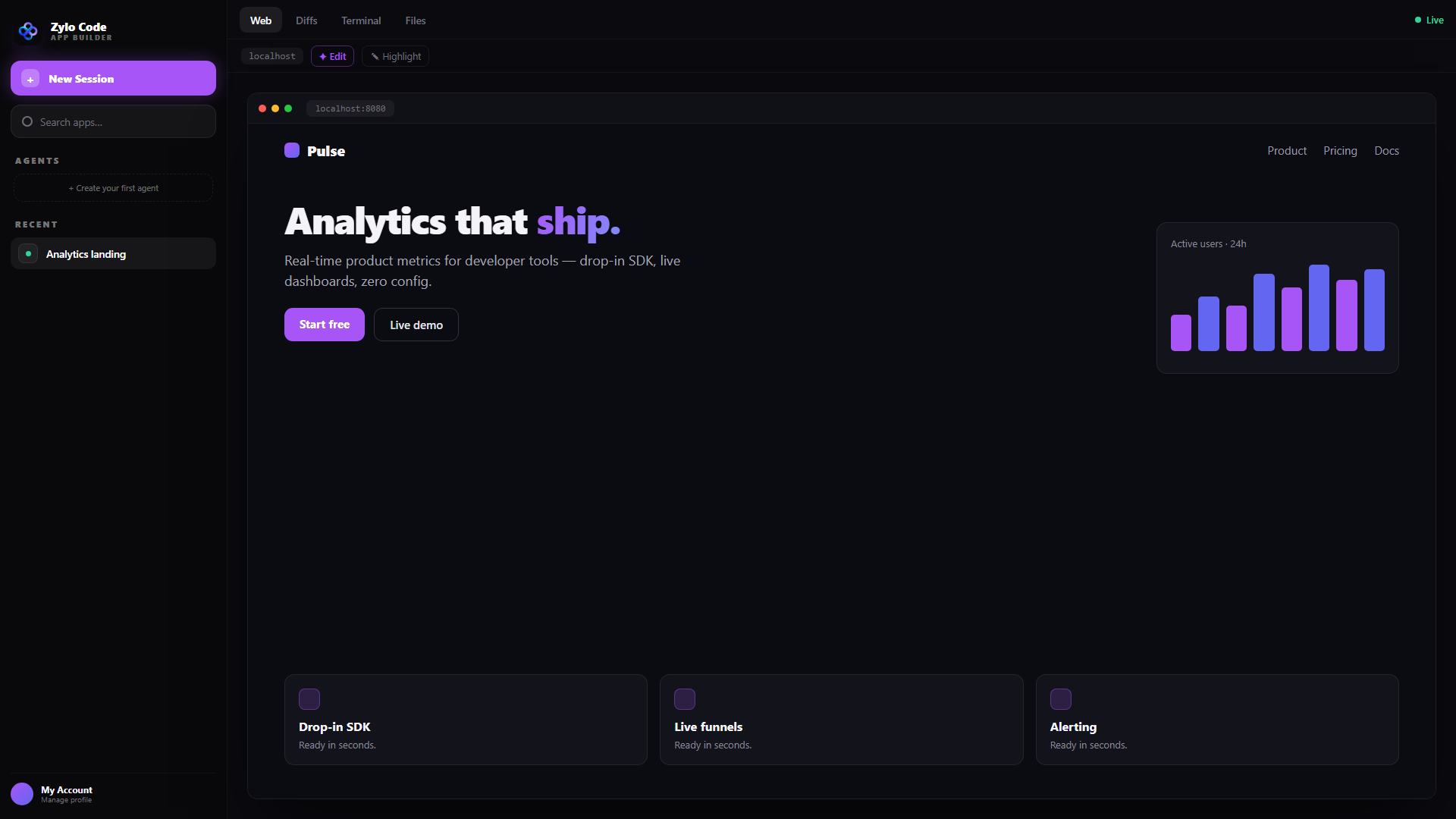
The live preview (Sandpack) renders your app as it's written — with Web / Diffs / Terminal / Files tabs and click-to-edit.
How a build works
One agentic loop, driven by streaming tool calls.
1 · Plan
For a new app or a non-trivial change, the Architect emits an interactive plan card (summary, stack, ordered steps, files) and waits for your approval. Tiny edits skip the gate.
2 · Scaffold & build
It writes real files into a virtual file system; web apps preview live as they're written, character by character.
3 · Dispatch specialists
In Orchestrator mode it fans out up to 5 sub-agents (layout, styling, copy, QA, assets), then merges and reconciles.
4 · Test & ship
It always writes tests, emits a downloadable Walkthrough, pushes to GitHub, deploys, and suggests follow-ups.
Everything it can do
The Architect
An agentic loop that plans, asks when ambiguous, writes files, delegates, tests and ships — with auto-recovery that feeds preview errors back for an auto-fix.
Build modes
Plan (approval gate), Fast (write immediately), Orchestrator (5 specialists in parallel), Security (audit only) and Custom.
Live preview
An in-browser bundler (Sandpack) with Tailwind + shadcn tokens wired in; edit mode lets you click any element to target your next change.
Output panel
Web (preview), Files (the VFS tree), Terminal (build + a Fix button) and Security (findings). Diffs open from the Walkthrough.
1-click deploy
Publish the build to Vercel, Cloudflare, Netlify, Railway or Google Cloud Run with an OAuth/token connect.
GitHub
One-click OAuth (or a token); every build auto-saves to a repo, and the Architect can push and open pull requests.
Composer & “/btw”
Queue follow-ups mid-build, @-mention files and designs, and ask a read-only consultant (“/btw”) about the build without interrupting it.
Design tools & BYOK
UI/UX Pro Max, Motion and 21st.dev Magic + an ~88-component catalog; bring your own OpenAI-compatible provider (OpenRouter, Groq, Anthropic, Ollama…).
See it in action
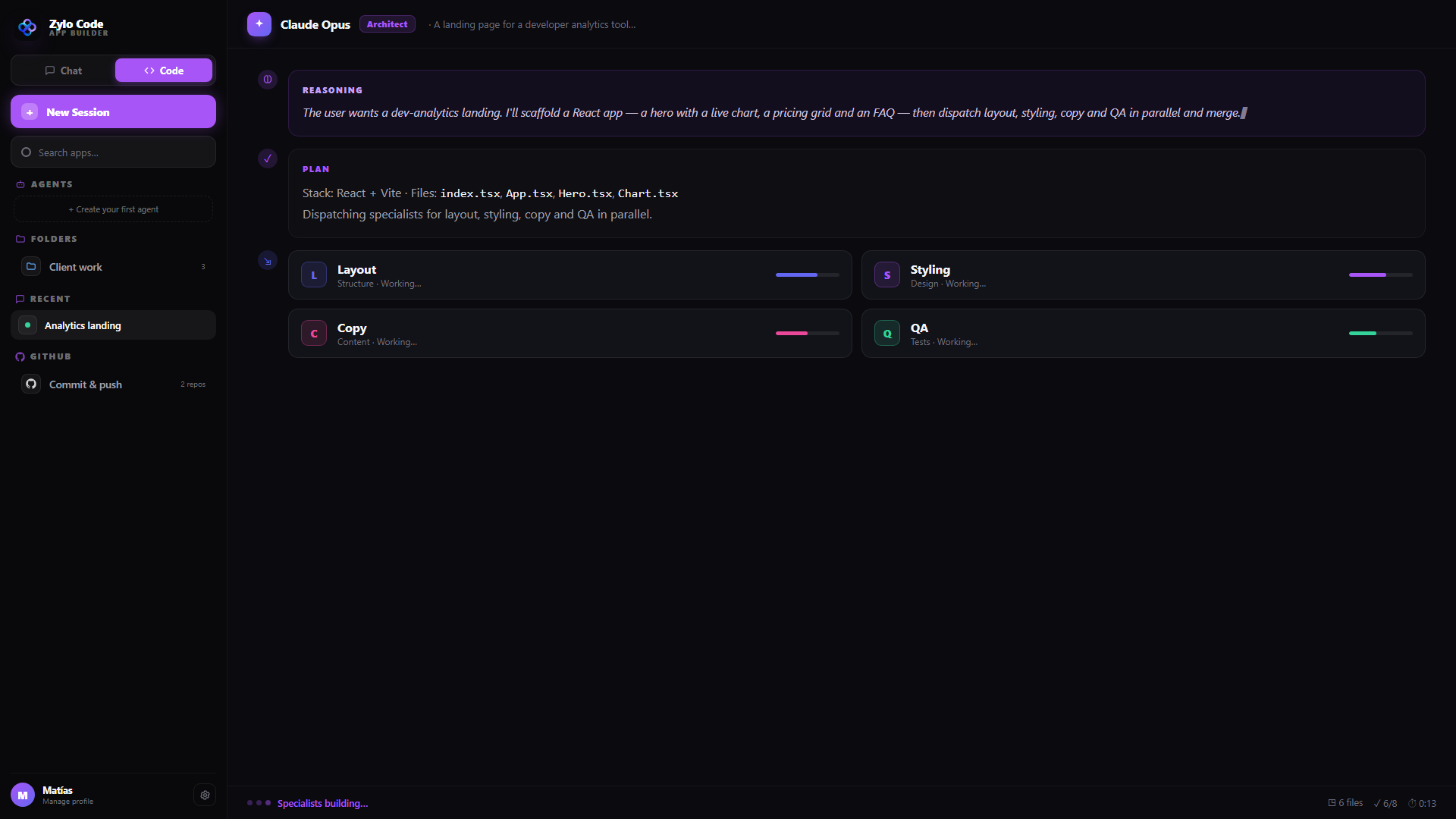
Orchestrator mode — the Architect reasons, plans, then fans out to specialists (Layout, Styling, Copy, QA) working in parallel.
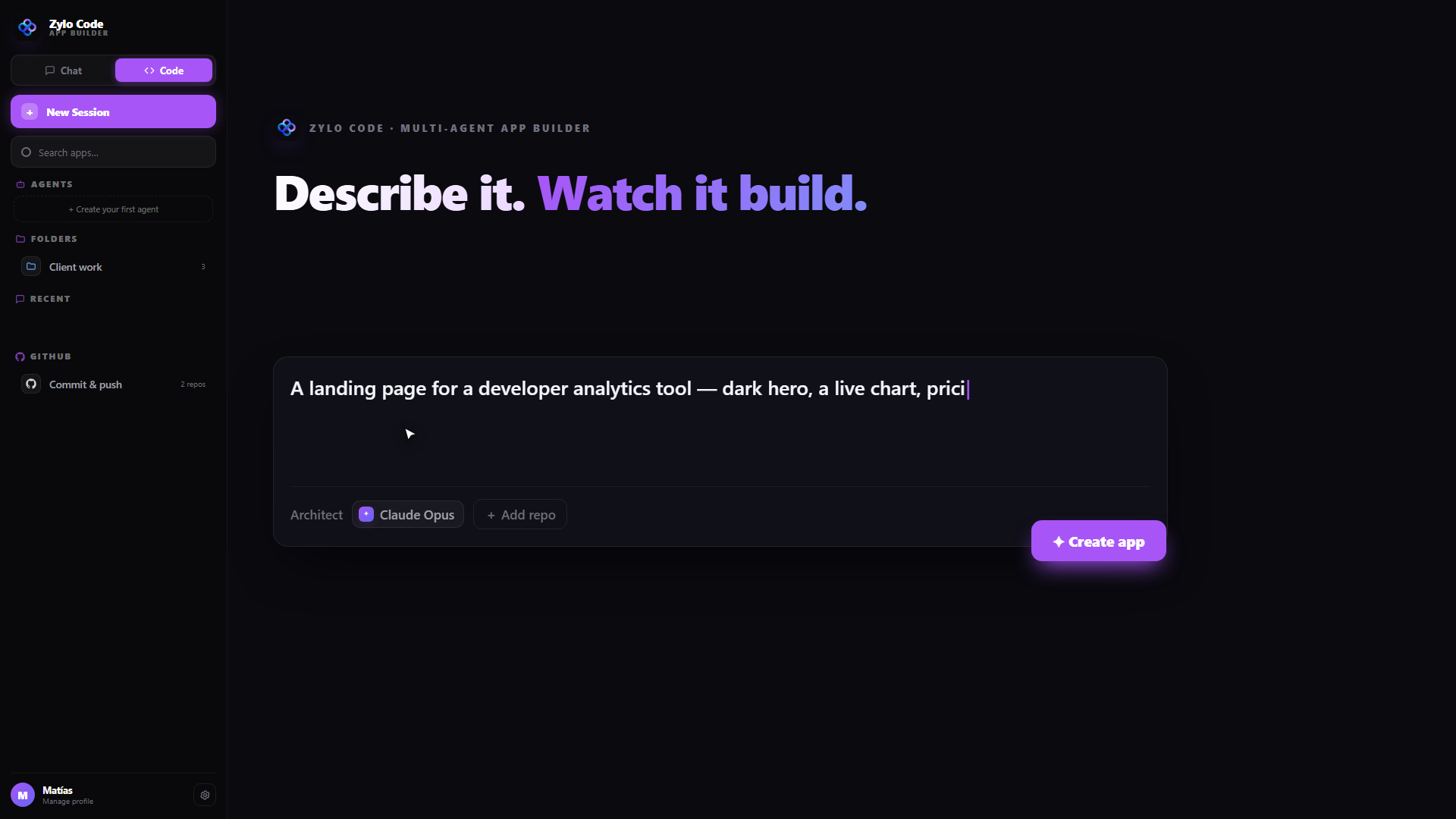
The home screen — start from a prompt or one of ~69 starter templates; folders group builds and map to a repo.
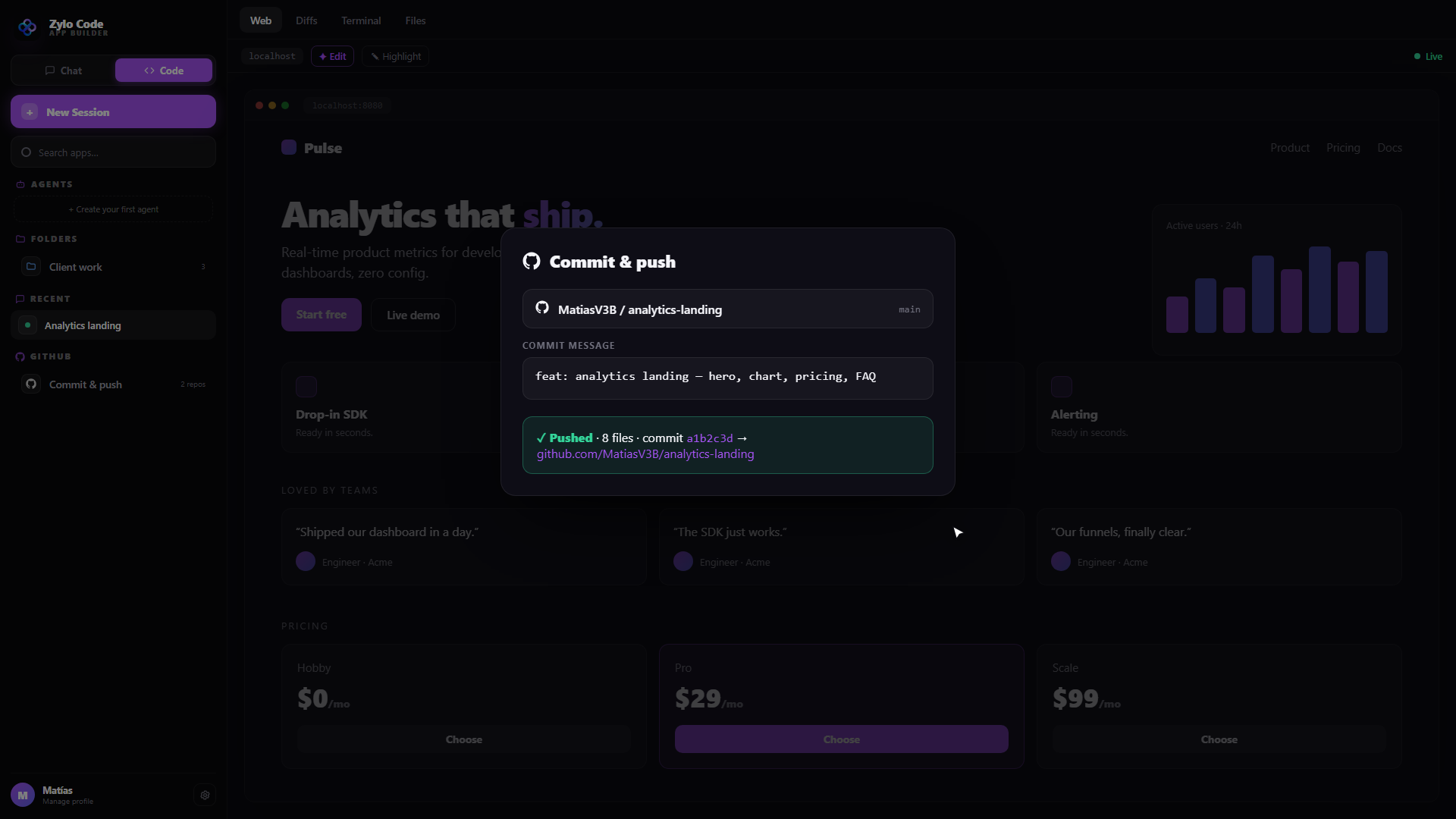
Ship it — auto-save to GitHub, open a PR, and deploy to your host of choice.
Real use cases
💡 Prototype in an afternoon
From a one-line idea to a working React app with live preview, a GitHub repo and a live deployment — no local environment to set up.
🔒 Security pass before merge
Switch to Security mode and the Architect audits the project for vulnerabilities without adding features.
🏢 Build to your standards
Point Zylo Code at your own model (BYOK) and design system so generated apps match your stack and brand.
Frequently asked questions
Do I need to install anything?
No. Zylo Code runs entirely in the browser — the Architect writes real files, previews them with an in-browser bundler, and pushes to GitHub. There's no local toolchain.
Which models can it use?
Any Zylo model via your API key, plus BYOK: add any OpenAI-compatible provider (OpenRouter, Groq, Together, Anthropic, Google, Cerebras, a local Ollama, and more).
Where does my code go?
Every build links to a GitHub repo and auto-saves, so work is never lost. You can also give the Architect read-only context repos to build against.
Can it deploy for me?
Yes — one-click deploy to Vercel, Cloudflare, Netlify, Railway or Google Cloud Run.
Wanna try it?
Open Zylo Code and go from a prompt to a shipped app — live preview, GitHub and deploy included.
Launch Zylo Code